The idea of starting your own online store sounds pretty cool and exciting until the moment when you actually take your time and think to yourself: “Where do I even begin with this?”
Well, if that’s the place you’re in right now, don’t worry because you’re certainly not alone. The good news is that learning how to start an online store with Shopify (step by step) is now easier than it was in the past. In fact, in the year 2026, it’s actually possible to do this over the weekend.
Imagine this: You’re sitting in your favorite spot with your laptop and your cold cup of coffee, and you’re actually creating your own online store that people can shop at. Well, that’s pretty much what Shopify helps you do without having to be tech-savvy at all.
Step-by-Step: How to Start an Online Store Using Shopify
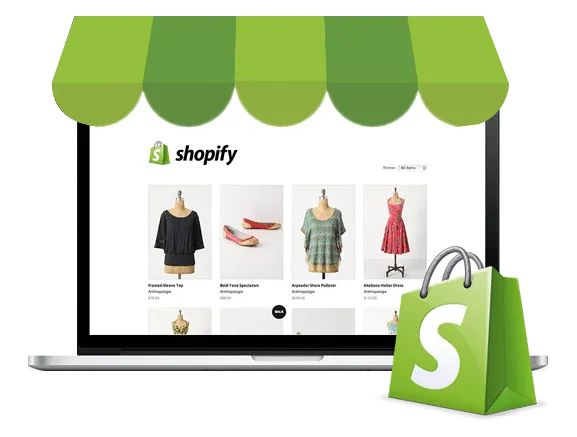
Let’s break it down into simple, doable steps so you don’t feel overwhelmed.
1. Sign Up and Set the Foundation
Your journey with Shopify begins with creating an account. When you sign up, Shopify will ask you a series of quick questions about your business. Don’t worry; it’s not complex. Just basic stuff.
This is your store space. Currently, it’s locked. But with your sign-up, your store space is now unlocked. It’s still blank, but it’s full of potential.
2. Choose Your Store Name and Theme
Your store name is your identity. Your store name is your brand. So, choose something that reflects your brand’s vibe. Does your brand have a minimalist, bold, or aesthetic vibe?
Next up is choosing your theme. Your theme determines how your store will look. Shopify provides a range of themes, both free and paid.
Imagine stepping into a beautifully designed boutique. That’s what your theme is for your store. A beautifully designed store is all about having a visually appealing design.
3. Add Your Products
Now it’s time to bring your store to life.
Upload your products with clear photos, catchy titles, and simple descriptions. Don’t overthink it, just describe your product like you would to a friend.
For example, instead of writing something too technical, say:
“This oversized shirt is perfect for college days when you want to look stylish without trying too hard.”
Make sure to include pricing, sizes (if applicable), and stock details.
4. Set Up Payments and Shipping
This is where your store becomes real.
Shopify gives you the opportunity to accept payments through credit cards, UPI, wallets, etc. All you have to do is connect your payment method of choice.
After that, you can choose your shipping settings. Think about:
- Where you’d like to ship from
- How you’d like to charge for shipping (free shipping or flat rate)
If you’re new to selling, you should keep things simple.
5. Customize Your Store Experience
Before you make your store live, you should take some time to make it feel personal.
Add to your store:
- A homepage banner
- An “About Us” section
- Your contact information
This helps build trust with your customers. When they visit your store, they should feel like there’s a real person behind it.
6. Launch Your Store
This is the moment.
When you’re all set, you can make your store live by hitting publish. It might be a little scary, but it’s also super exciting.
Your store is now live for the entire world to see.
What Happens After You Launch?
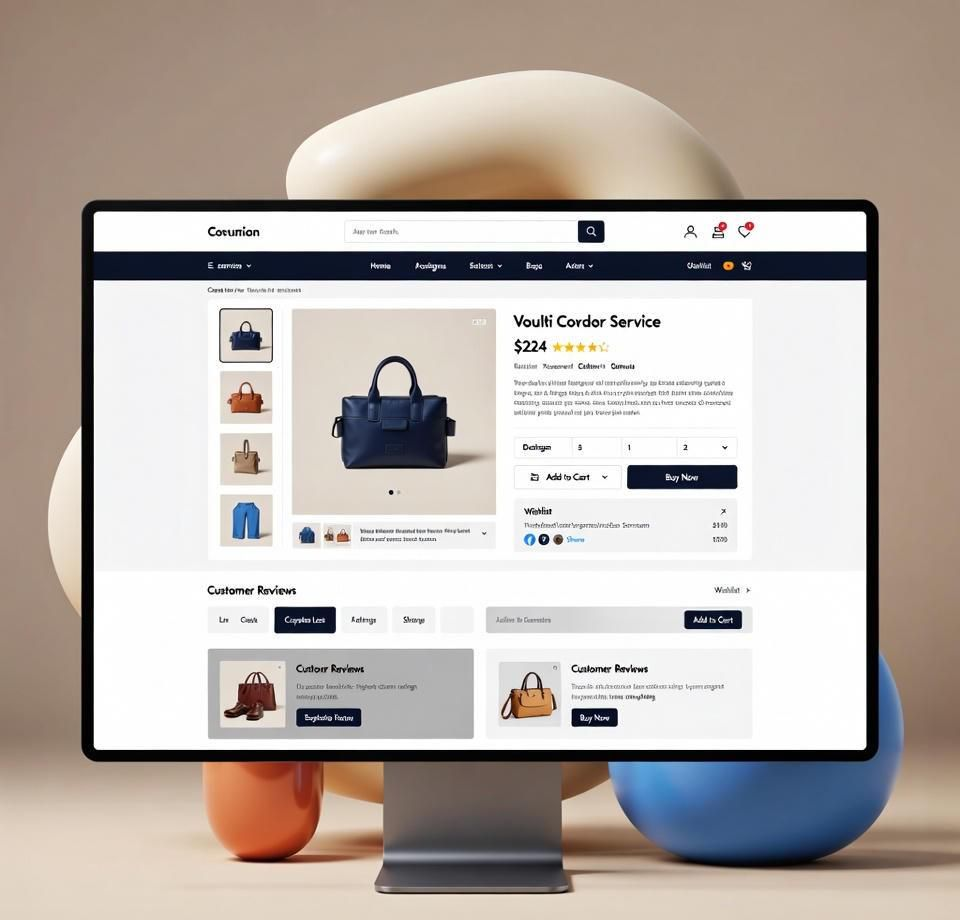
This is where the real journey starts.
The first sale might take some time to come in, but don’t get discouraged. Share your store with your friends on Instagram and WhatsApp. If you are into content creation, then reels and styling videos can also be super beneficial in creating awareness about your products.
Also, Shopify provides you with insights such as the number of visitors to your store and what they clicked on.
Common Mistakes to Avoid

When learning how to start an online store using Shopify (step-by-step), there are a number of small mistakes that can be made, which may slow you down.
One mistake that can be made when learning how to start an online store using Shopify (step-by-step) is that everything does not need to be perfect. In fact, your online store does not need to be perfect, it simply needs to exist.
Another mistake that can be made when learning how to start an online store using Shopify (step-by-step) is that too many products are added to the online store. It is recommended that you start small.
A Few Friendly Tips Before You Start
Keep it simple. You don’t need expensive tools and equipment to get started.
Focus on your niche. Your niche may be anything like fashion, accessories, etc. Having your own identity will make you stand out.
Most importantly, be consistent. Your store will not be successful overnight, but it will be over time.
Summary
So, how to start an online store using Shopify (step-by-step)? It’s all about taking one small step at a time like signing up, adding products, setting up payments, and finally launching your store.
Shopify makes the process simple, even if you’re a complete beginner. With the right mindset and a bit of creativity, you can turn your idea into a real online business in 2026.
FAQs
1. How long does it take to start a Shopify store?
You can set up a basic store in a day, but refining it may take a few days depending on your products and design.
2. Do I need money to start a Shopify store?
Yes, but only a small amount. Shopify has affordable plans, and you can start with minimal investment.
3. Can I run a Shopify store from my phone?
Yes, Shopify has a mobile app that lets you manage orders, products, and customers easily.
4. What can I sell on Shopify?
You can sell physical products, digital items, or even services—anything that fits your business idea.
5. Is Shopify good for students?
Definitely. It’s one of the best platforms for students to start a side hustle or small business online.