If much of your day involves writing emails, documents, social media posts or messages in a browser, the Grammarly browser extension can become a useful part of your workflow. Rather than requiring you to copy and paste text into a separate editor, it checks your writing as you type across many supported websites and web applications.
This Grammarly Extension Review takes an objective look at how the browser extension works, what features it offers, where it performs well, and where its limitations become apparent. While it can save time and improve writing quality, it is not a replacement for careful proofreading or critical thinking. Understanding both its strengths and weaknesses will help you decide whether it suits your needs.
What Is the Grammarly Browser Extension?
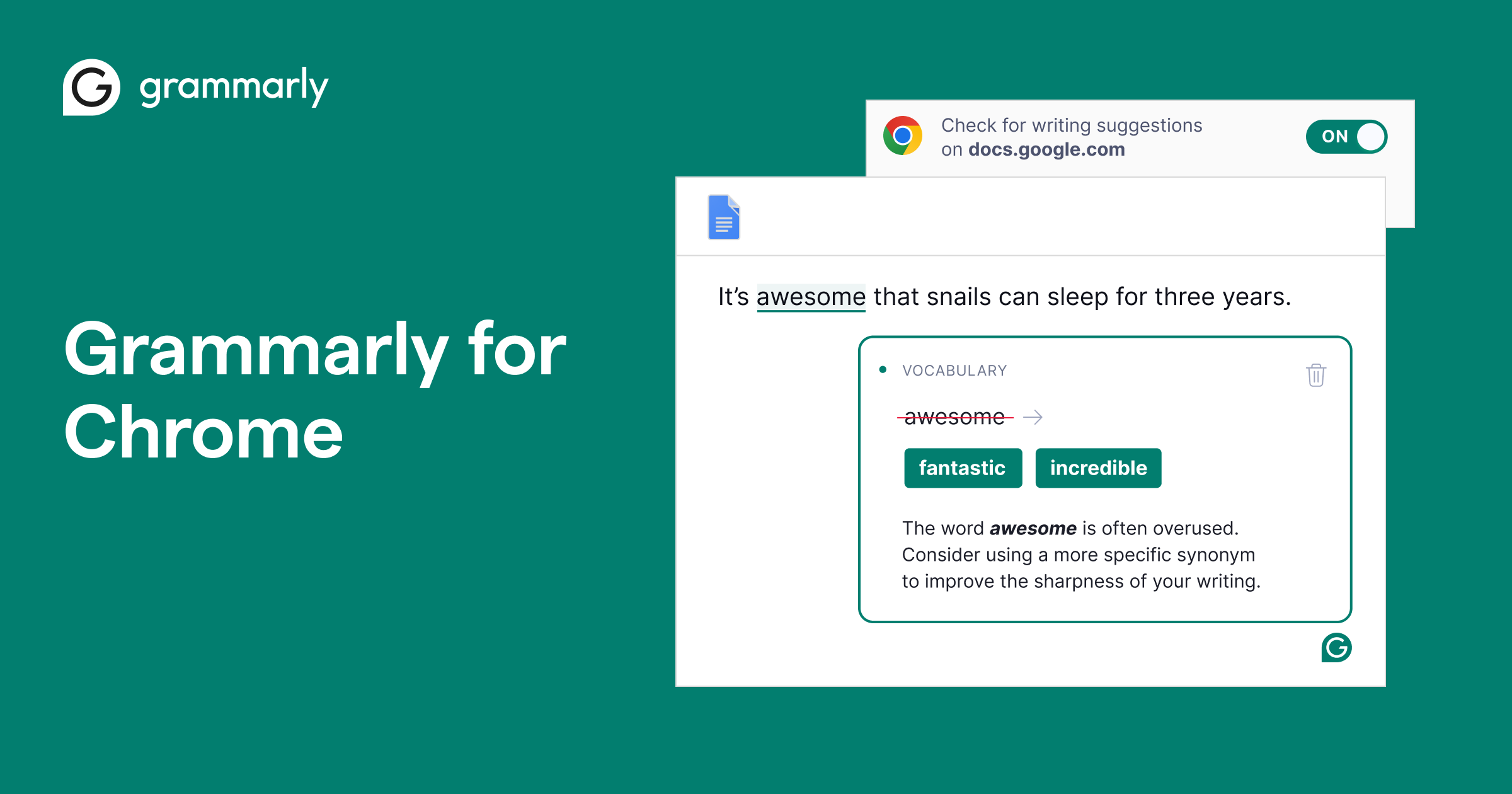
The Grammarly browser extension is a free add-on available for major web browsers, including Google Chrome, Microsoft Edge, Safari and Mozilla Firefox. Once installed and signed in, it works within supported websites to review your writing in real time.
Unlike traditional spell checkers, Grammarly analyses complete sentences instead of focusing only on individual words. As you write, it highlights potential grammar mistakes, punctuation issues, awkward phrasing, spelling errors and opportunities to improve clarity.
Depending on your subscription, additional features may also be available, including advanced style suggestions, tone adjustments and AI-powered writing assistance.
How Does the Extension Work?
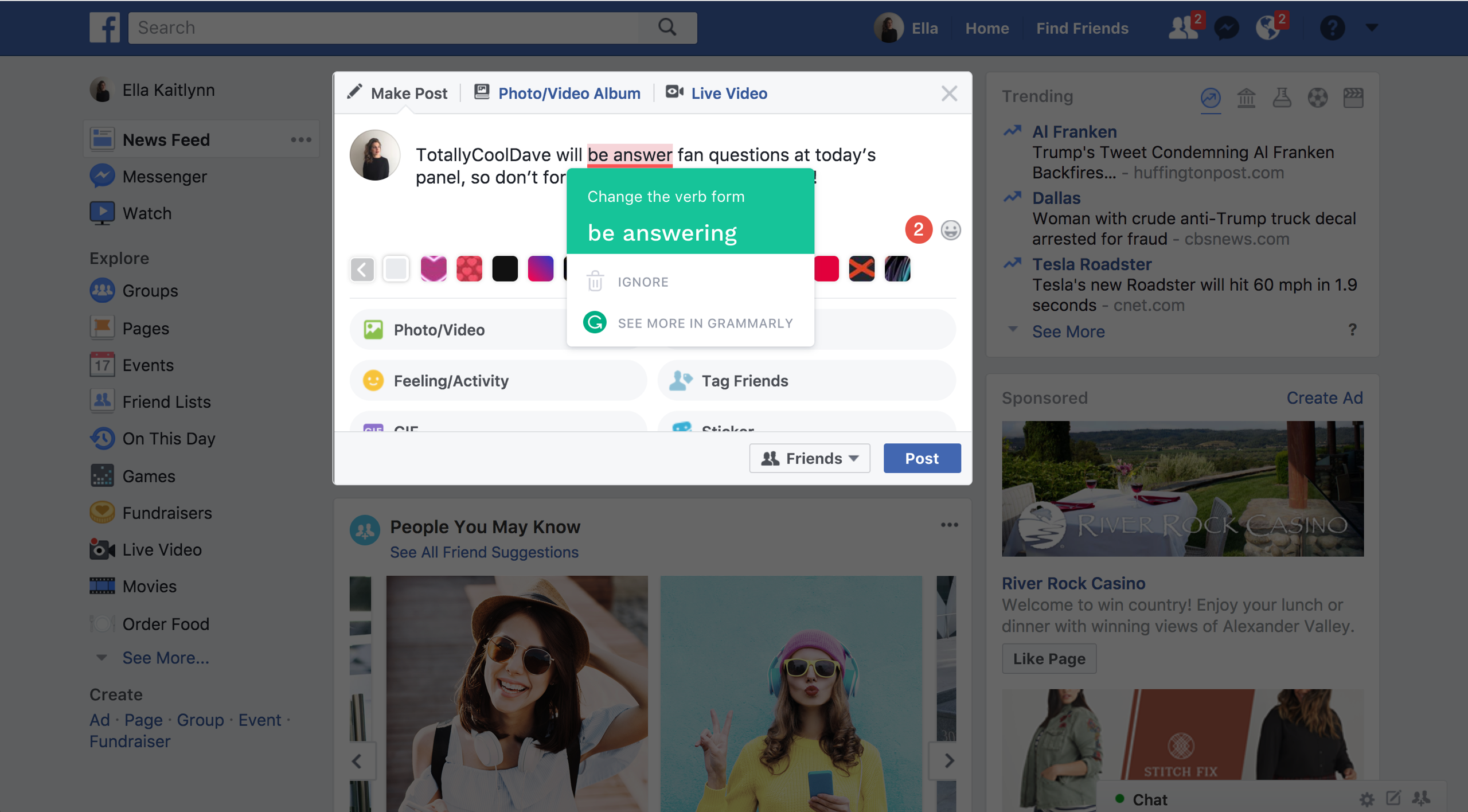
The extension operates quietly in the background while you write online.
When Grammarly detects text fields on supported websites, it begins analysing your writing automatically. Suggestions appear as underlined words or phrases, allowing you to review each recommendation before deciding whether to accept it.
The extension is designed to work across a wide range of web-based tools, including:
- Email platforms
- Online document editors
- Social media websites
- Blogging platforms
- Customer support systems
- Messaging applications
- Job application portals
Because suggestions appear within the page you’re already using, there is no need to switch between multiple applications for routine editing.
Installing Grammarly Is Straightforward
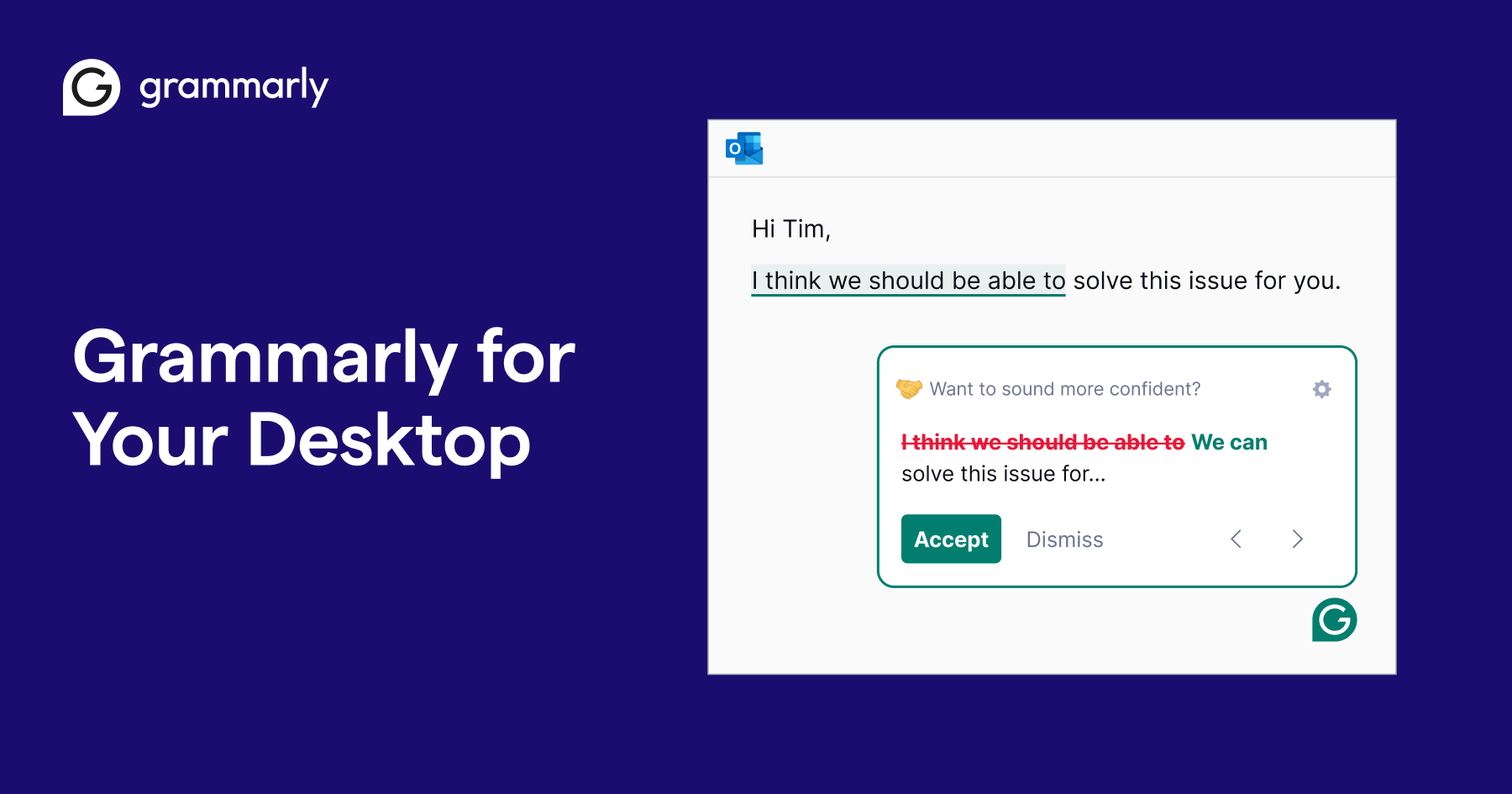
Getting started requires only a few steps.
After downloading the browser extension from Grammarly’s website or your browser’s extension store, you’ll be prompted to create an account or sign in to an existing one.
Once installed, Grammarly begins checking supported text fields automatically.
Most users can customise settings, including preferred English dialects, writing goals and notification preferences, helping the experience feel less intrusive during everyday writing.
What Can Grammarly Correct?
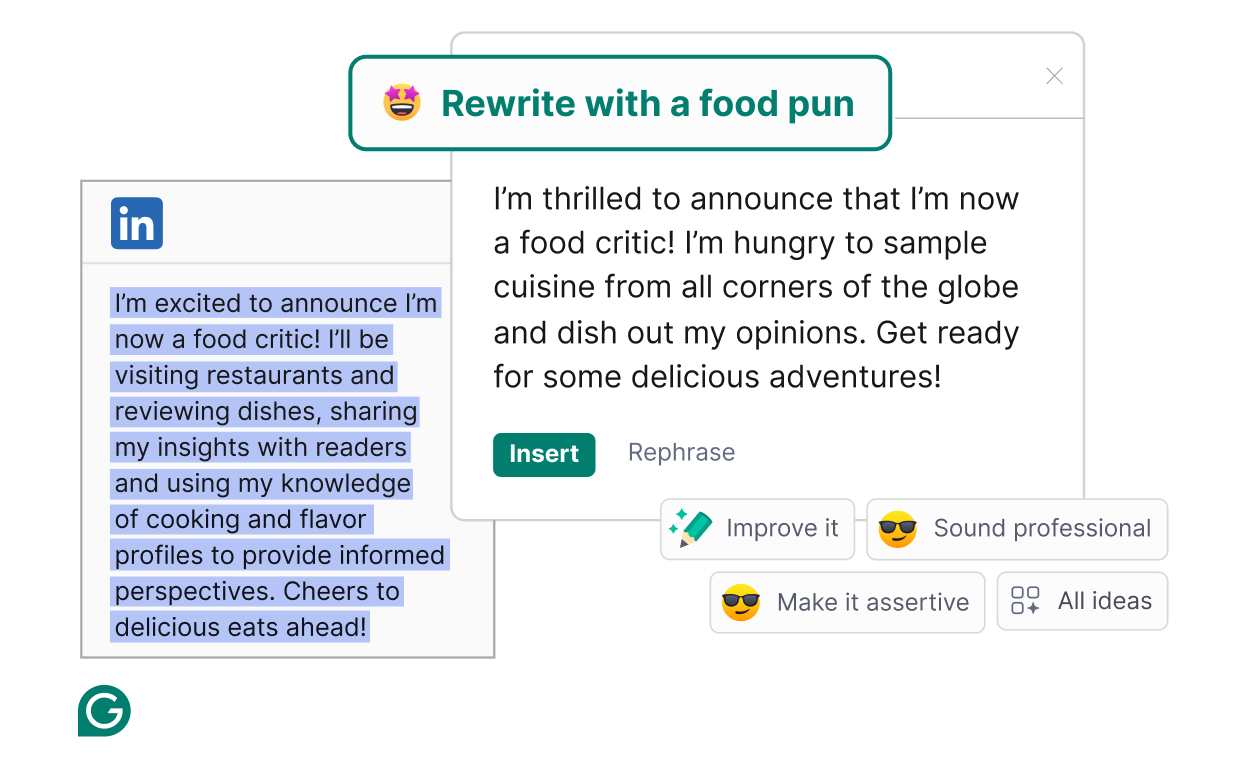
One of the extension’s biggest strengths is the breadth of writing issues it can identify.
Grammar and Sentence Structure
The extension detects many common grammatical mistakes, including subject-verb agreement, incorrect verb tenses, misplaced modifiers and incomplete sentences.
Rather than simply marking an error, Grammarly usually explains why a correction is suggested, making it useful for writers who want to improve over time.
Spelling Errors
Misspelled words are corrected quickly, including many commonly confused spellings.
Unlike basic browser spell checkers, Grammarly often recognises contextual mistakes where correctly spelled words have been used incorrectly.
Punctuation
Missing commas, incorrect apostrophes, inconsistent quotation marks and unnecessary punctuation are among the issues Grammarly regularly identifies.
These small corrections can significantly improve readability.
Clarity Improvements
Some sentences are technically correct but unnecessarily difficult to read.
Grammarly frequently recommends simplifying long sentences, reducing repetition and improving sentence flow without changing the intended meaning.
Tone Suggestions
Professional communication often depends on sounding appropriate for the audience.
Grammarly analyses writing to identify whether it may appear overly informal, uncertain, direct or overly emotional. These suggestions are intended to help writers match the tone to their purpose.
Grammarly Pro Unlocks More Advanced Features

The free version provides grammar, spelling and punctuation support for everyday writing.
A Grammarly Pro subscription adds more detailed writing assistance, including:
- Advanced clarity suggestions
- Sentence rewrites
- Vocabulary enhancements
- Style improvements
- Tone refinement
- AI-assisted drafting and editing
- Plagiarism detection in supported workflows
These additional tools are particularly valuable for people who write professionally or produce large volumes of content throughout the year.
Where the Grammarly Browser Extension Performs Best
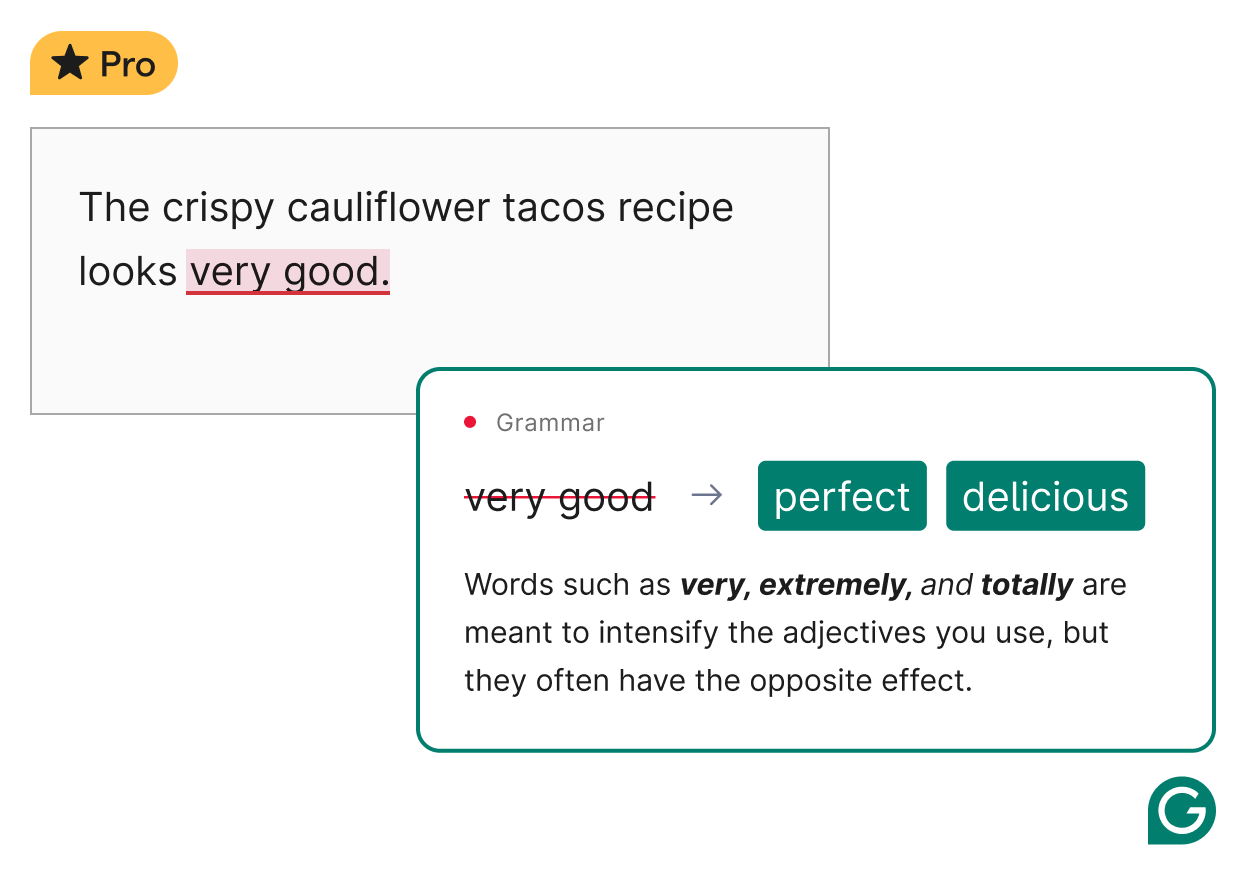
The browser extension is especially useful for routine online communication.
Email Writing
Whether replying to colleagues or contacting clients, Grammarly helps reduce small errors before messages are sent.
This can be particularly useful when writing quickly or responding to large numbers of emails.
Business Communication
Reports, proposals and customer responses often require a professional tone.
Grammarly helps maintain consistency while reducing the need for multiple rounds of manual editing.
Social Media
Posts on platforms such as LinkedIn, Facebook or X can be checked before publishing.
Although social media often allows for a more conversational style, basic grammar and spelling mistakes may still affect credibility.
Online Forms
Job applications, scholarship forms and professional profiles frequently include written responses.
Grammarly offers an additional review before information is submitted.
Where the Extension Has Limitations
No writing assistant is perfect, and Grammarly is no exception.
Suggestions Are Not Always Correct
Language depends heavily on context.
Occasionally Grammarly recommends changes that alter the intended meaning or remove stylistic choices that were deliberate.
For this reason, writers should review every suggestion rather than accepting corrections automatically.
Creative Writing Can Be Different
Fiction, humour and conversational writing often break conventional grammar rules intentionally.
Grammarly sometimes flags these stylistic decisions even when they contribute to the writer’s voice.
Industry-Specific Terminology
Technical writing, legal documents and specialised academic work may contain terminology unfamiliar to Grammarly.
Users working in niche industries should check suggestions carefully before making revisions.
Internet Connection
Many Grammarly features rely on cloud-based processing, so performance may vary depending on your internet connection and the application being used.
Does Grammarly Affect Privacy?
Because Grammarly analyses the text you write, privacy is an understandable concern for many users.
Grammarly explains how user data is handled through its privacy documentation and provides controls that allow users to manage certain settings. As with any cloud-based writing service, it is sensible to review the company’s privacy policy before using the extension for confidential or sensitive information.
Businesses handling regulated or highly confidential data should also consider their own organisational security policies before deploying any third-party writing assistant.
Who Will Benefit Most from Grammarly?
The browser extension is particularly well suited to people who spend much of their day writing online.
These include:
- Office professionals
- Students
- Teachers
- Freelance writers
- Marketing teams
- Small business owners
- Recruiters
- Customer support staff
- Job seekers
For occasional users who only write a few emails each week, the free version may provide sufficient functionality.
Those producing reports, articles or marketing content daily are more likely to appreciate the additional features available through Grammarly Pro.
Grammarly Compared with Standard Browser Spell Checkers
Most browsers include basic spelling correction.
Grammarly goes considerably further.
A typical browser spell checker mainly identifies misspelled words.
Grammarly also evaluates grammar, sentence construction, readability, tone, consistency and writing style. Instead of simply fixing errors, it attempts to improve overall communication.
That broader approach explains why many users continue using Grammarly even when their browser already includes spelling assistance.
Is Grammarly Easy to Use Every Day?
One of the extension’s biggest advantages is that it requires very little effort after installation.
Suggestions appear naturally while writing without forcing users into a separate editing environment.
The interface is generally uncluttered, and recommendations can be accepted or ignored individually. Over time, many users become familiar with the types of suggestions Grammarly provides and develop a faster editing process.
The experience remains largely unobtrusive, which is one reason the extension fits comfortably into existing writing habits.
Frequently Asked Questions
Does the Grammarly browser extension cost anything?
The extension itself is free to install. Grammarly also offers paid subscriptions that unlock additional writing, editing and AI-powered features.
Does Grammarly work on every website?
No. Grammarly supports many popular websites and web applications, but functionality may vary depending on how individual websites are built.
Can Grammarly replace an editor?
No. Grammarly is an editing assistant rather than a substitute for human judgement. Important business documents, academic work and published content should still receive careful review.
Is the browser extension difficult to remove?
No. Like most browser extensions, it can usually be disabled or removed through the browser’s extension management settings.
Final Verdict
This Grammarly Extension Review shows why the browser extension has become a popular writing companion for millions of users. Its ability to provide real-time grammar, spelling, clarity and tone suggestions directly within supported websites makes everyday writing more efficient without requiring major changes to existing workflows.
While no automated writing assistant can fully understand every context or replace thoughtful editing, Grammarly performs well for routine professional communication, academic writing and online content creation. Writers who produce text regularly are likely to gain the most value, particularly if they need consistent support across multiple websites and web applications. For those seeking more advanced guidance, the Pro subscription expands the extension’s capabilities while keeping the overall experience simple and easy to use.