In a world where we want entertainment on our terms, Sky Go delivers a powerful solution for Sky subscribers. Whether you’re commuting, travelling, or simply relaxing away from your main TV, Sky Go lets you watch live TV and on-demand shows wherever you are right on your mobile device, tablet or computer. If you’re new to the service or want to make the most of it, this guide breaks down how Sky Go works, what you can watch, compatible devices, and useful features you might not know about.
Sky What Is Sky Go and Why It Matters
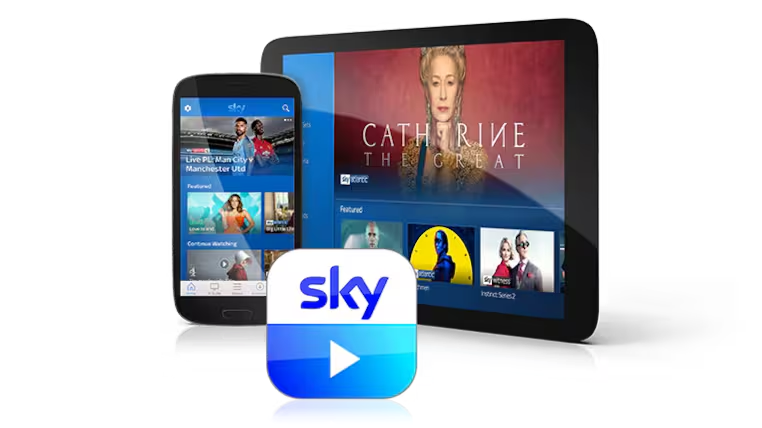
- Sky Go is a mobile and online TV streaming service included with many Sky TV subscriptions at no extra cost.
- It gives you access to live television including entertainment, movies, news, sports and more as well as a large library of on-demand content.
- It is designed for people who want flexibility in how they watch whether at home on a tablet, in a café on a laptop, or on the go during a commute.
Sky Go complements your main Sky TV package, letting you take your entertainment with you rather than being tied to a TV set.
Sky What You Can Watch With Sky Go
Live TV Channels
- Watch live Sky channels included in your subscription
- Live coverage typically includes entertainment, news, movies, and sports depending on your package
- Live sport and movie channels are available if you have the respective add-ons in your Sky TV plan
On-Demand Shows and Movies
- Access a wide library of on-demand shows from Sky channels
- Includes box sets, drama series, movies, documentaries, comedy, and kids content
- Content availability depends on your Sky subscription and any additional packs you have
Sky Go brings your favourite TV shows and live programmes together in one place, making it easier to stream what you want when you want it.
Sky Go Devices and Compatibility
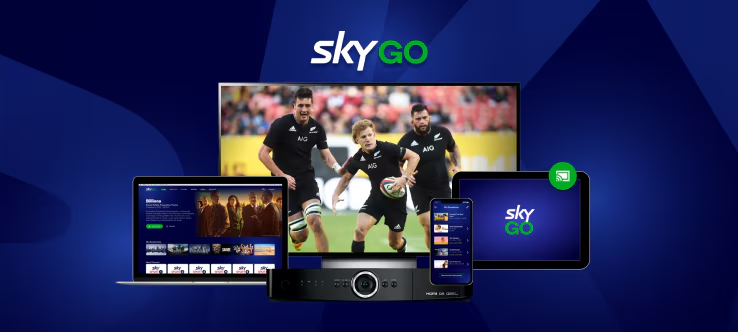
One of the best things about Sky Go is its flexibility across devices.
Compatible Sky Go devices
- Smartphones and tablets iPhones, iPads and Android devices
- PC and laptops Windows and Mac computers
- Some consoles and digital platforms In certain cases depending on OS support
Device and registration limits
- You can register multiple devices with Sky Go typically up to six but you are limited to watching on two devices at the same time by default.
- Sky Go Extra (if available for your account) lets you stream on more devices concurrently and use extra features like downloads for offline watching.
This flexibility lets you switch between devices for example from a phone to a tablet without missing a moment of your favourite shows.
Sky Streaming Live TV With Sky Go
How live TV works
- Live TV works just like traditional broadcast but over the internet
- Sky Go streams TV channels in real time similar to watching on your main TV
- You can scroll through the live guide, find programs and tune in instantly
Tips for smooth live streaming
- Connect to a strong Wi-Fi or 4G/5G connection
- Ensure your device has the latest version of the Sky Go app installed
- Close other apps that might be using your bandwidth
Streaming live TV with Sky Go brings flexibility to your viewing habits, you’re no longer tied to a living room screen to catch big games, new episodes, or live news.
Sky On-Demand Viewing With Sky Go
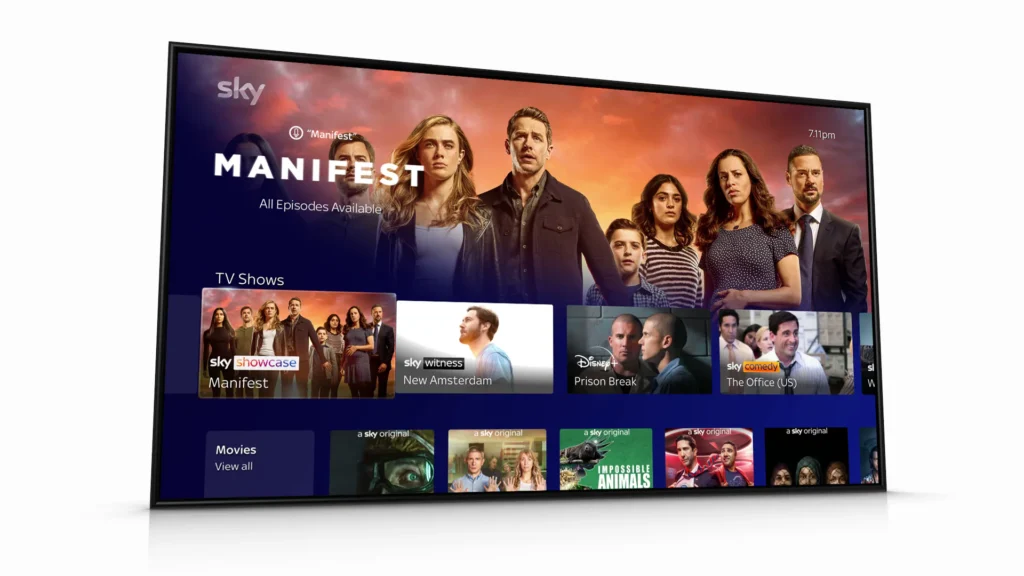
On-demand lets you choose what you watch and when you watch it perfect for busy schedules.
On-demand features
- Search for shows and movies using the Sky Go interface
- Browse by genre, channel or recommended picks
- Catch up on episodes you missed earlier in the week
- Sky Go often includes box sets and exclusive content depending on your subscription
Sky Go Extra and downloads
- With Sky Go Extra, you can download selected shows and movies to your device
- This means you can watch offline without needing Wi-Fi useful for travel or areas with limited connectivity
- Note that downloaded content may expire after a set period or 48 hours after you start watching
On-demand options make Sky Go a flexible companion for long journeys or relaxed evenings in.
Sky Go App Features and Navigation Tips
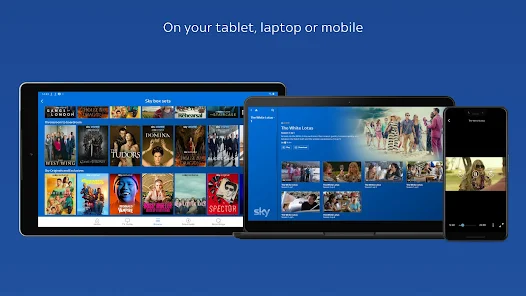
The Sky Go app is designed to be intuitive and user-friendly.
Key Sky Go app features
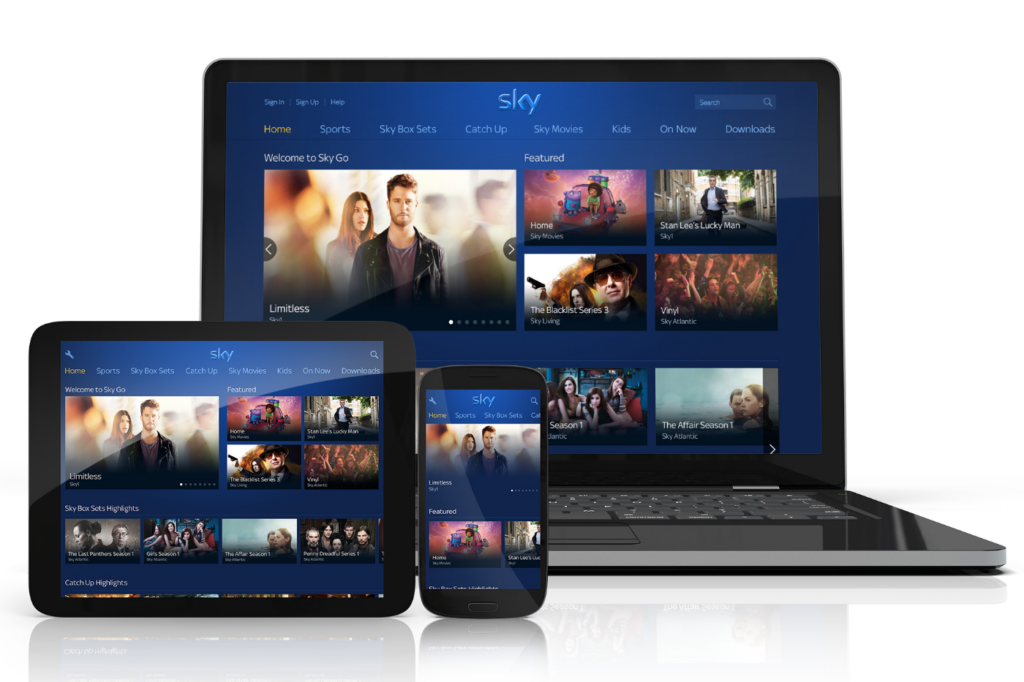
- Home Screen — quick access to recommendations and recent shows
- Live TV Guide — see what’s currently on and schedule your viewing
- Browse Categories — find comedy, drama, movies, kids shows, and more
- Downloads Section — manage and watch offline content (Extra subscribers)
Useful navigation tips
- Search function helps you find specific shows fast
- Personalised recommendations make it easier to discover new favourites
- Keep the app updated to access the latest features and performance improvements
These features help you enjoy Sky Go without digging through multiple menus or missing out on popular content.
Sky Go While Travelling and Abroad

One of the big questions people ask is whether they can use Sky Go outside the UK.
Sky Go usage outside the UK
- Sky Go is intended for UK and Ireland viewers due to licensing restrictions
- Because of content rights, Sky Go normally won’t work abroad without additional measures due to geographical licensing rules.
General travel use tips
- You can still use Sky Go on UK mobile networks and Wi-Fi while in the UK
- Consider downloading shows to watch offline if your internet connection overseas is limited or expensive (Sky Go Extra)
Knowing these limits helps you plan your viewing and avoid unexpected issues when away from home.
Sky Go Troubleshooting & Tips for Best Experience
Common troubleshooting solutions
- If live streams lag, check your internet strength and switch to Wi-Fi
- Sometimes logging out and logging back into the app can solve playback issues
- Make sure your app is updated to the newest version for performance improvements
Helpful Sky Go usage tips
- Register the maximum number of devices allowed so you have options across gadgets
- Use the app at off-peak times for smoother playback
- Explore the on-demand library to fill gaps between live broadcasts
Optimising your setup makes streaming more enjoyable and reduces frustration especially during big live events or family viewing sessions.
Final Thoughts, Make the Most of Sky Go Streaming
Sky Go is a valuable streaming extension of your Sky TV subscription that lets you watch live TV and on-demand content wherever you are on phones, tablets or laptops. It’s flexible, easy to use, and packed with both live channels and a rich library of shows.
To recap:
- Sky Go lets you watch live TV and on-demand content on the go.
- Compatible with a wide range of devices and supports multiple registered devices.
- Offers offline downloads with Sky Go Extra for watching without Wi-Fi.
- Content availability depends on your main Sky TV subscription.
If you’re a Sky subscriber who wants freedom and flexibility in how you watch your favourite shows and live broadcasts, Sky Go delivers a quality streaming experience that fits modern lifestyles. Sign in, explore the apps, and enjoy a richer way to stream with Sky Go!